Prompting is easier when you stop thinking about clever phrases and start thinking about briefing quality.
A professional prompt should give the AI enough context to understand the job, enough constraints to avoid obvious mistakes, and enough review criteria to produce something you can evaluate.
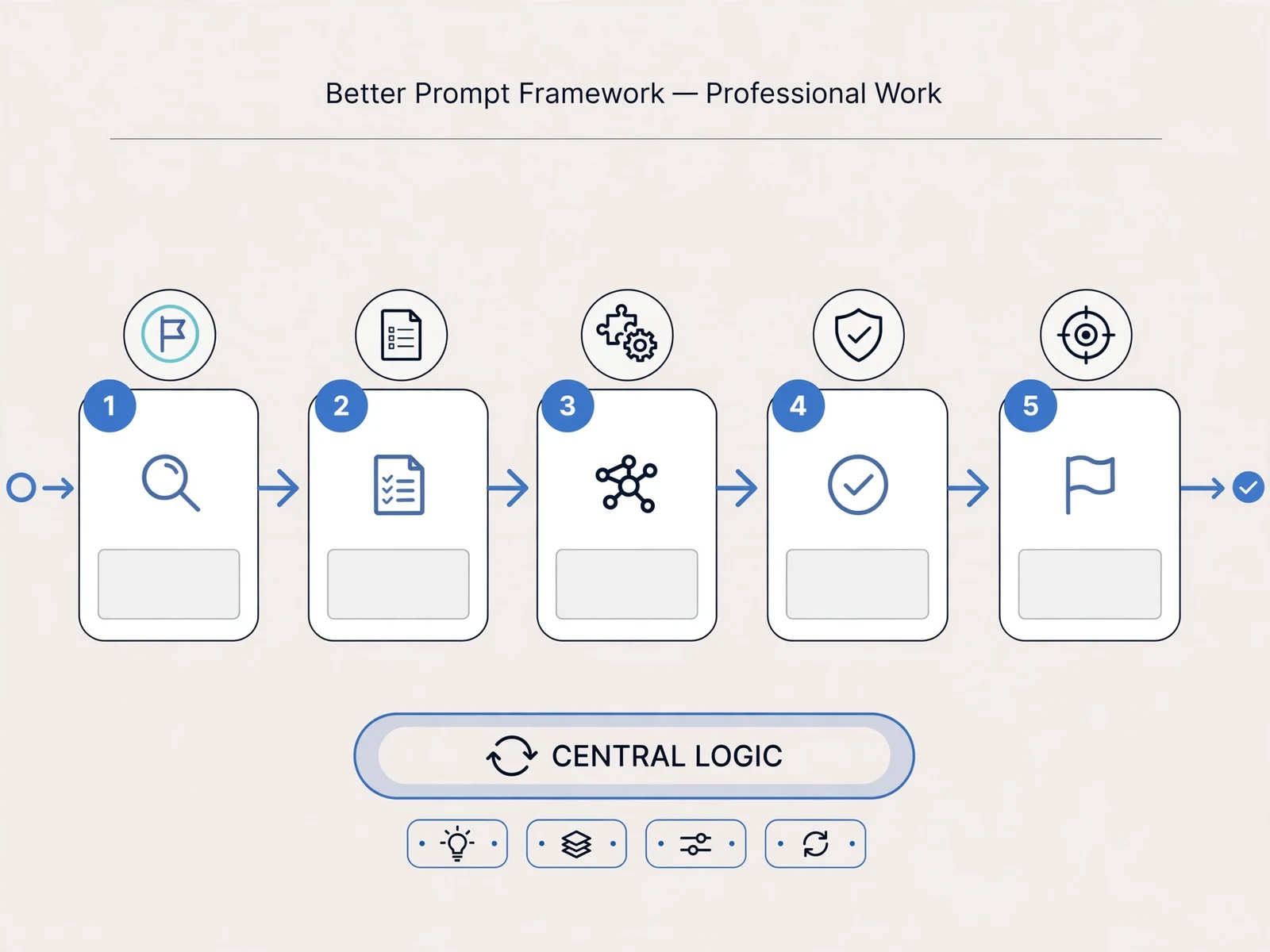
The C-T-C-E-F-R Framework
Use six elements:
- Context
- Task
- Constraints
- Examples
- Format
- Review criteria
1. Context
Explain the situation.
Weak:
“Write an email.”
Stronger:
“I manage a project that is two weeks behind because a supplier milestone slipped. I need to update a senior stakeholder who cares about customer impact and recovery timing.”
2. Task
State what the AI should do.
“Draft a concise executive update.”
3. Constraints
Explain what it must preserve or avoid.
- Do not invent facts.
- Keep it under 180 words.
- Do not blame the supplier.
- Make uncertainty explicit.
- End with the decision required.
4. Examples
Provide a good example when format or tone matters.
Explain why the example is good rather than asking for blind imitation.
5. Format
Specify the output shape.
For example:
- headline;
- impact;
- evidence;
- recommendation;
- decision required.
6. Review Criteria
Tell the AI how to evaluate the result before returning it.
Example:
“Check that the recommendation is explicit, no facts were added, and the reader can identify the requested decision within the first three sentences.”
A Complete Example
Context: I lead a regional HR project introducing a new onboarding process. Pilot feedback shows managers are confused about ownership.
Task: Create a revised manager briefing.
Constraints: Use only the facts I provide. Avoid HR jargon. Do not invent policy.
Example: Use short sections and practical questions.
Format: purpose, manager responsibilities, first-week actions, escalation route.
Review: confirm every instruction has a clear owner.
Use Follow-Up Prompts
The first output does not need to be final.
Ask:
- What assumptions did you make?
- What information is missing?
- Which sentence is least clear?
- What would a skeptical reader challenge?
- How could this be shorter?
Separate Generation From Verification
Use one step to create and another to check.
Verification may include checking primary sources, comparing against policy, reviewing calculations, or asking a qualified colleague.
Do Not Include Sensitive Information Without Approval
Remove confidential names, customer information, employee data or restricted business information unless the tool and use are approved for it.
Build Prompt Templates for Recurring Work
Good candidates include:
- meeting preparation;
- executive updates;
- research plans;
- risk reviews;
- feedback preparation;
- decision comparisons;
- project summaries.
Prompt Framework Example: Decision Support
Context: We are choosing between two suppliers for a critical service.
Task: Help structure the decision.
Constraints: Do not invent supplier facts or make the final decision.
Examples: Use our criteria for cost, reliability, implementation, security and support.
Format: comparison, assumptions, missing evidence, risks, questions.
Review: flag every conclusion that depends on missing information.
Prompt Framework Example: Difficult Feedback
Context: An employee has missed three agreed deadlines.
Task: Help structure a conversation.
Constraints: Use only the evidence provided. Do not diagnose motivation.
Format: opening, evidence, impact, questions, expectation, follow-up.
Use Variables in Reusable Prompts
Turn a prompt into a template by marking fields such as [AUDIENCE], [DECISION], [FACTS], [LIMIT], and [OUTPUT FORMAT].
This makes the workflow faster while still forcing the user to provide current context.
Add an Anti-Invention Rule
For business work, include:
“If information is missing, say what is missing instead of inventing it.”
This does not eliminate hallucination, so verification is still required, but it makes the expected behaviour clearer.
Ask the AI to Critique Its Draft
Useful review prompts include:
- What claims are unsupported?
- What assumption did you make?
- What could a skeptical reader challenge?
- What is redundant?
- What should be verified externally?
Keep Human Voice
AI can make professional writing generic. Edit for your actual relationship, organizational context and communication style. A polished message that sounds unlike you may create its own credibility problem.
Build a Team Prompt Standard
If several employees use AI for similar work, create a shared standard rather than letting everyone invent a different approach.
A team template can specify:
- approved tool;
- safe data;
- required context;
- output format;
- anti-invention instruction;
- human review.
Use Prompt Chaining for Complex Work
Do not ask for a finished strategy, analysis and executive summary in one giant prompt.
Break the work into stages:
- clarify the problem;
- identify missing information;
- generate options;
- critique options;
- draft the output;
- review for accuracy.
Keep a Prompt Change Log for Important Workflows
When a reusable prompt becomes part of a team process, record why it was changed. This helps avoid accidental degradation and makes the workflow easier to improve.
Know When a Prompt Cannot Fix the Problem
If output remains weak after better context and examples, the task may require expert judgement, better source material, or a different tool. Prompting is not a substitute for missing business knowledge.
Retire Weak Prompt Templates
A prompt library should be maintained like any other working asset. Remove templates that create repeated correction, depend on outdated context, or encourage users to skip verification.
Quality improves when the library stays small enough for people to understand what each workflow is for.
Review Prompt Templates After Real Use
After several uses, collect the errors people still need to fix manually. Those patterns tell you whether the prompt needs better context, stronger constraints, a better example, or a different workflow entirely.
Where to Go Next
The AI for Women at Work course develops prompting, research, writing, decision support and reusable workflows inside a practical professional context. The AI Tools for Managers and Professionals course provides the broader mixed-cohort version.
Better prompts come from better thinking about the work, not from memorizing magic words.
Develop this capability in your organization