The most useful workplace AI is usually not spectacular. It removes friction from work you already do every week.
The goal is not to automate everything. It is to identify recurring tasks where AI can improve preparation, structure, speed or first-draft quality while keeping human judgement in the loop.
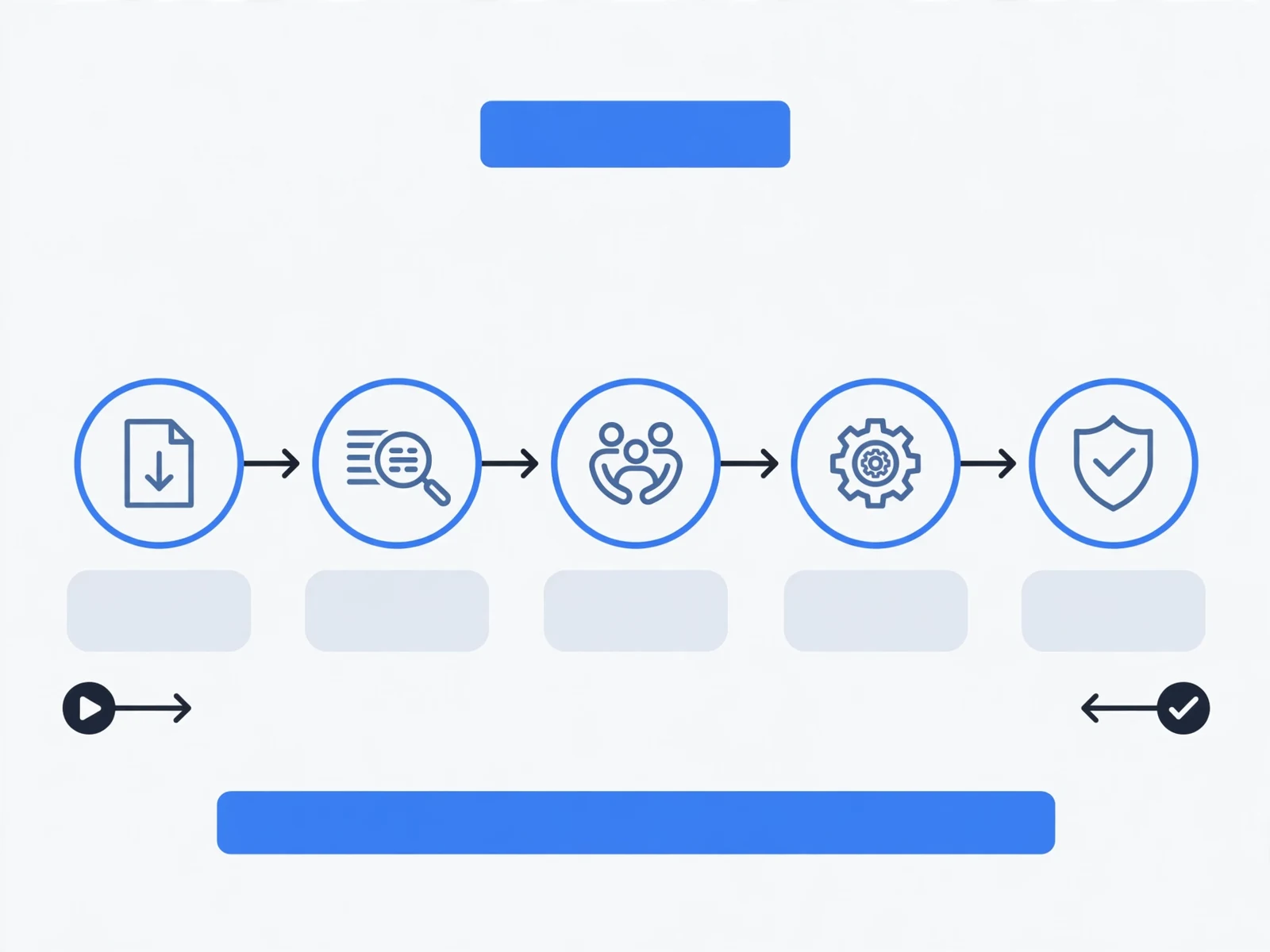
Workflow 1: Meeting Preparation
Use AI before an important meeting to structure thinking.
Inputs:
- meeting purpose;
- participants;
- decisions required;
- known issues;
- non-sensitive context.
Ask for:
- agenda;
- questions;
- likely objections;
- decision points;
- risks to surface.
Review the output and remove anything based on invented assumptions.
Workflow 2: Research Planning
Use AI to break a large question into a research plan.
Ask it to identify:
- sub-questions;
- types of primary sources;
- claims needing verification;
- alternative explanations;
- evidence gaps.
Do not treat generated citations as reliable without checking the original source.
Workflow 3: First Draft of a Business Message
Provide:
- audience;
- purpose;
- tone;
- facts;
- desired action;
- length.
Then edit the output for accuracy, voice, politics and judgement.
Workflow 4: Decision Support
Use AI to structure rather than make the decision.
Ask for:
- decision criteria;
- options;
- trade-offs;
- assumptions;
- missing information;
- pre-mortem risks.
Workflow 5: Weekly Planning
Give AI a non-sensitive list of commitments and ask it to classify work into:
- high priority;
- delegable;
- deferrable;
- stoppable;
- requiring a decision.
You decide the final priority because the model does not understand organizational consequence unless you explain it.
Workflow 6: Learning and Skill Building
Ask AI to:
- explain a concept at your level;
- test your understanding;
- give a scenario;
- challenge your answer;
- identify gaps.
This can turn passive reading into active practice.
Workflow 7: Reusable Process Support
For a recurring task, build a reusable prompt template.
Examples:
- project update;
- meeting agenda;
- customer summary;
- risk review;
- feedback preparation;
- research brief.
Use a Human Review Checklist
Before using AI output:
- Is it accurate?
- Did it invent facts?
- Does the tone fit?
- Is confidential information protected?
- Does a human need to verify the source?
- Would I be comfortable being accountable for this?
Do Not Automate Weak Processes
If the underlying process is unclear, AI may simply create faster confusion.
Fix ownership, inputs, standards and decisions first.
Build a Personal AI Workflow Map
List your weekly tasks and mark:
- high-frequency tasks;
- high-friction tasks;
- drafting-heavy tasks;
- analysis-heavy tasks;
- tasks unsuitable for AI.
Choose three workflows to improve first.
Workflow 8: Turn Notes Into an Action List
After a meeting, provide non-sensitive notes and ask the AI to separate:
- decisions;
- actions;
- owners;
- deadlines;
- open questions.
Review against the original notes before sharing. The AI should organize, not invent commitments.
Workflow 9: Compare Two Documents
Use AI to identify differences between two versions of a policy, proposal or brief.
Ask it to categorize changes as:
- meaningful content change;
- clarification;
- formatting;
- removed requirement;
- new requirement.
Workflow 10: Prepare for a Difficult Conversation
Provide the facts, desired outcome and relationship context. Ask for a conversation structure, likely reactions and questions that help diagnose the other person’s perspective.
Do not ask the tool to invent motives.
Workflow 11: Turn a Long Document Into a Decision Brief
Ask for:
- purpose;
- key findings;
- risks;
- decisions required;
- claims needing verification.
Workflow 12: Build a First Draft of a Process
Describe the current process and ask AI to structure steps, owners, inputs, outputs, checkpoints and exceptions. Then validate with the people who actually do the work.
Create a Workflow Card
For each recurring AI workflow record:
- purpose;
- approved tool;
- safe inputs;
- prompt template;
- human review;
- final owner.
This turns experimentation into a repeatable professional system.
Choose Workflows by Value, Not Novelty
Prioritize workflows that are frequent, time-consuming, structured enough to brief clearly, and safe for the approved tool. A flashy one-off use case may create less value than improving a task you repeat every Monday.
Workflow 13: Convert Feedback Into a Revision Plan
Provide feedback you received and the draft it refers to. Ask AI to group the feedback by theme, identify conflicts, and create a revision checklist. You still decide which feedback to accept.
Workflow 14: Prepare a Brief for Someone Else
Use AI to turn scattered notes into a structured delegation or project brief with outcome, context, constraints, deadlines, decisions and questions.
Workflow 15: Create a Review Checklist
For recurring work, ask AI to help draft a checklist that a human can use before delivery. Examples include client proposals, monthly reports, onboarding packs or project updates.
Prioritize Workflows by Frequency and Risk
Create a simple matrix:
- High frequency, low risk: good place to start.
- High frequency, high risk: potentially valuable but needs stronger controls.
- Low frequency, low risk: useful but lower priority.
- Low frequency, high risk: often not worth automating first.
Measure the Improvement
For each workflow, track whether AI actually reduces time, improves first-draft quality, reduces rework or improves consistency. If not, stop or redesign the workflow.
Start With Three Workflows, Not Fifteen
Pick the three recurring tasks with the best combination of frequency, low data risk and clear human review. Use them for several weeks before expanding.
This makes it easier to see whether AI is actually saving time or merely creating another tool people feel obliged to use.
Where to Go Next
The AI for Women at Work course develops practical role-based AI workflows, prompting, research, writing, decision support, privacy and human review. The AI Tools for Managers and Professionals course provides the wider mixed-cohort version.
The best AI workflow is not the most automated one. It is the one that improves useful work without weakening judgement or accountability.
Develop this capability in your organization